Navigating the world of information security

Category: Infosec

  • Ethics and Integrity in Cybersecurity

    It’s an open secret that cybersecurity/technology vendors have a significant influence and impact in the enterprise information security space.

    Vendors often try and gain your business with gifts such as dinners, lunches or more. While there’s nothing wrong with that in general, it becomes a slippery slope with the bigger and more lavish items that you might be offered. This can truly position you in a bad spot with vendors holding significant leverage over you.

    With that said, there needs to be a certain level of ethics from cybersecurity professionals and cybersecurity leaders who are entrusted with purchasing and implementing technology at organizations. For instance, officers and directors at organizations (generally) have a duty of loyalty and a duty of care as they’re entrusted with steering the ship in the organization’s best interest. Regardless of your organizational role, breaching these principles can have lasting negative consequences, including the erosion of trust and respect across various teams and divisions within the organization. Once the organization and your peers no longer trust you, then you are setup to fail.

    So if you’re reading this, always take a moment to reflect if that fancy vendor paid experience or trip is worth your dignity and respect. Think about the potential of losing your trust from peers by being persuaded with lavish gifts and experiences rather than what’s right for the org, and think about what kind of leverage vendors might be holding over you. Your career is worth more than that.

  • Static Code Analysis in a CI/CD Workflow Using Github

    Integrating static analysis tooling (sast) into ci/cd pipelines has honestly never been easier. So let’s set up something really quick using Github Actions and CodeQL.

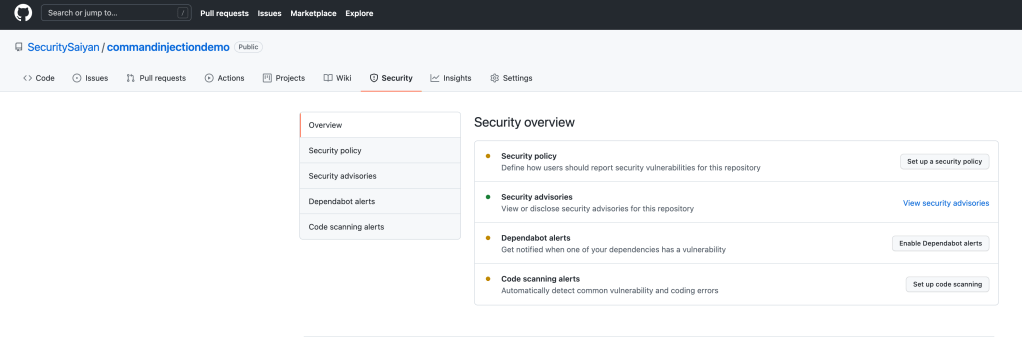
    Here we’ve setup a “super secure” application, but before we deploy or check in code, we should probably setup automated sast scanning.

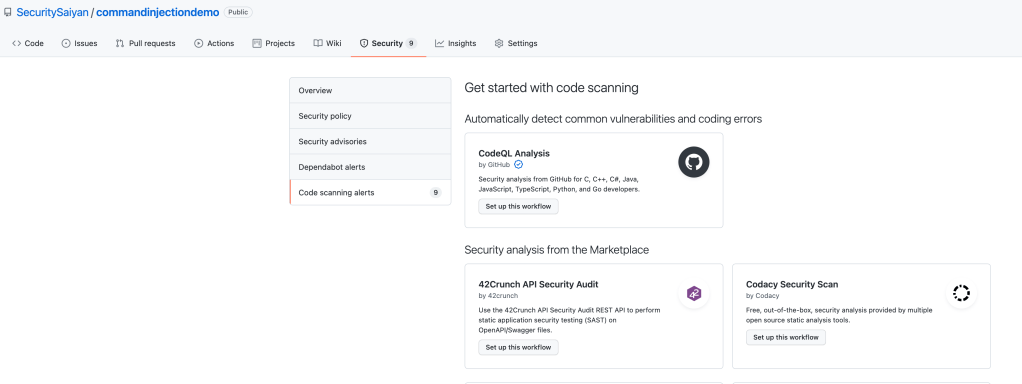
    Navigating to the security tab, you should be able to see the button to setup code scanning.

    Let’s add CodeQL! This is an AWESOME sast tool that allows for so much customization. Click the button to add it to your repo.

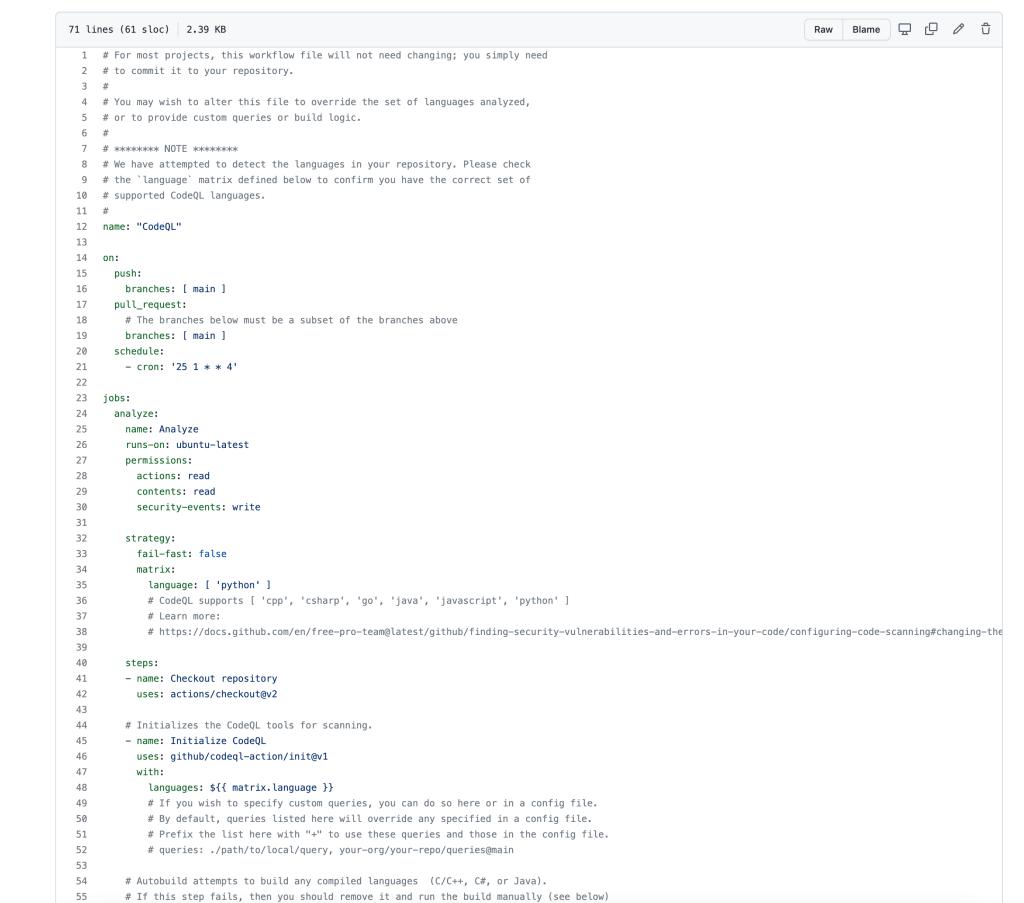
    Here’s the .yml config which shows the out of the box configuration. It’s set to scan the main branch on push or pull requests.

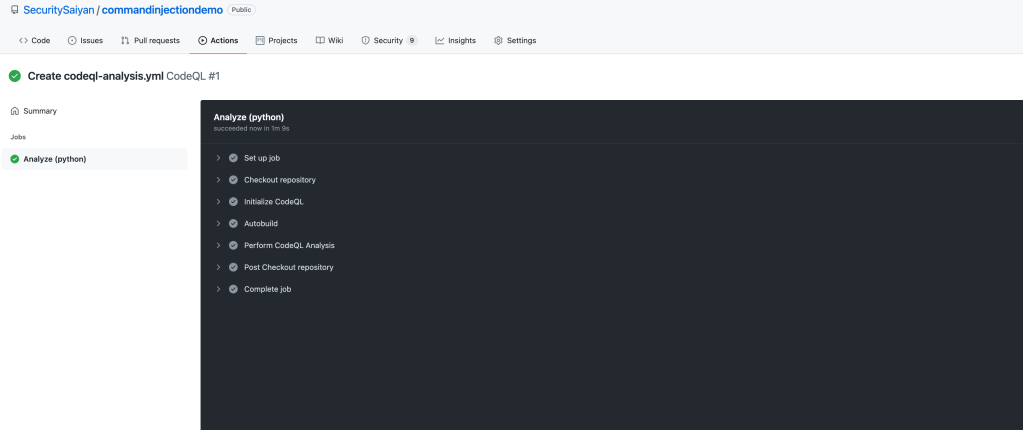
    Go ahead and commit the yml config and setup is done! This is just the default and out of the box config so this is barely scratching the surface. Below you see the jobs running.

    You can see in the image below all the scans were automatically kicked off when a commit was pushed. Moving forward, all push and pull commits to the main branch will automatically be sast scanned.

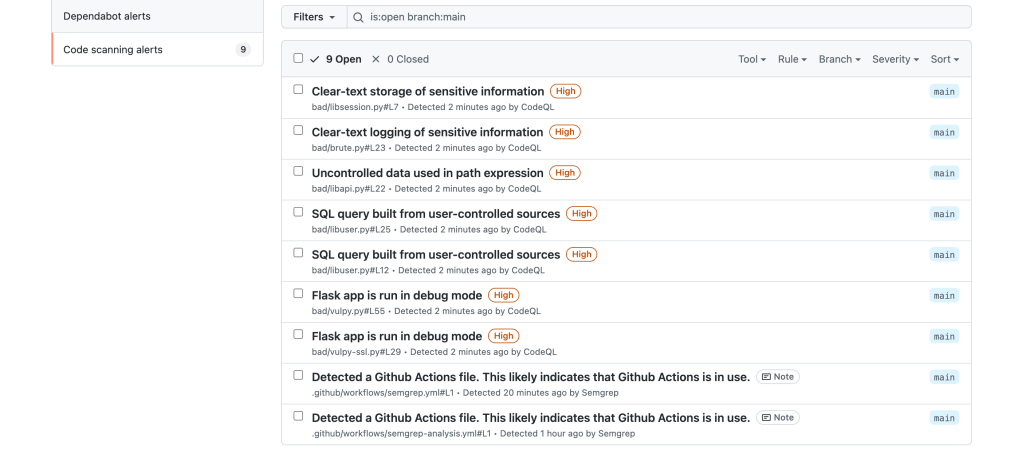
    And here’s the output of the results. Yay?

  • Incident Response: Free Online Resources for Quick Wins

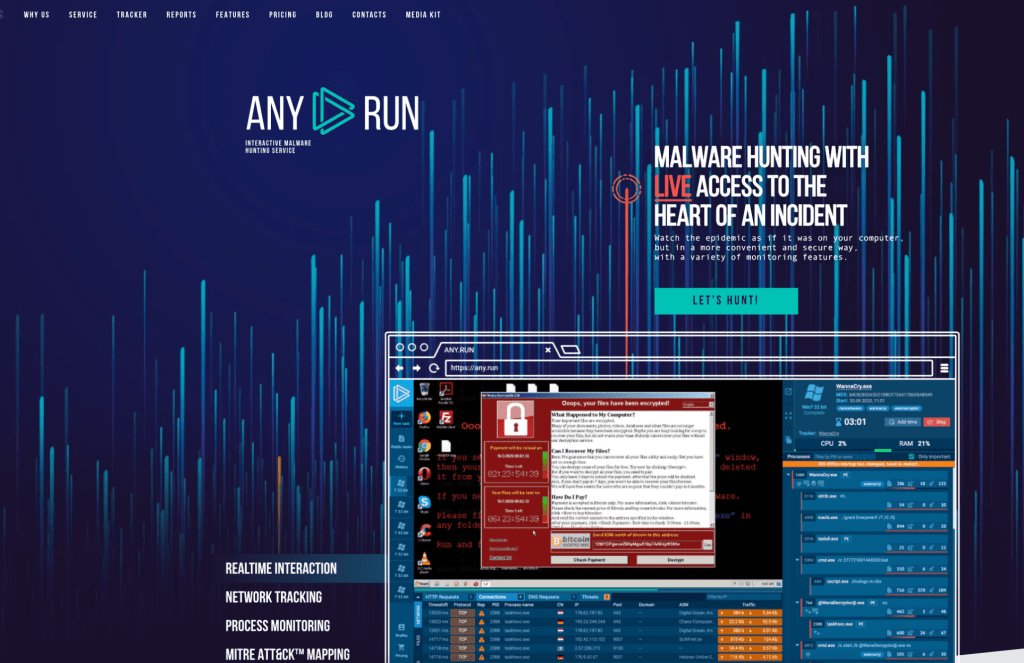
    I wanted to share some free online resources for anyone looking to do some quick and dirty “spot checks” on suspicious files or URLs without having to setup a full blown sandbox environment and getting into malware analysis.

    The first resource is a super powerful online sandbox called Any.run (https://any.run/)

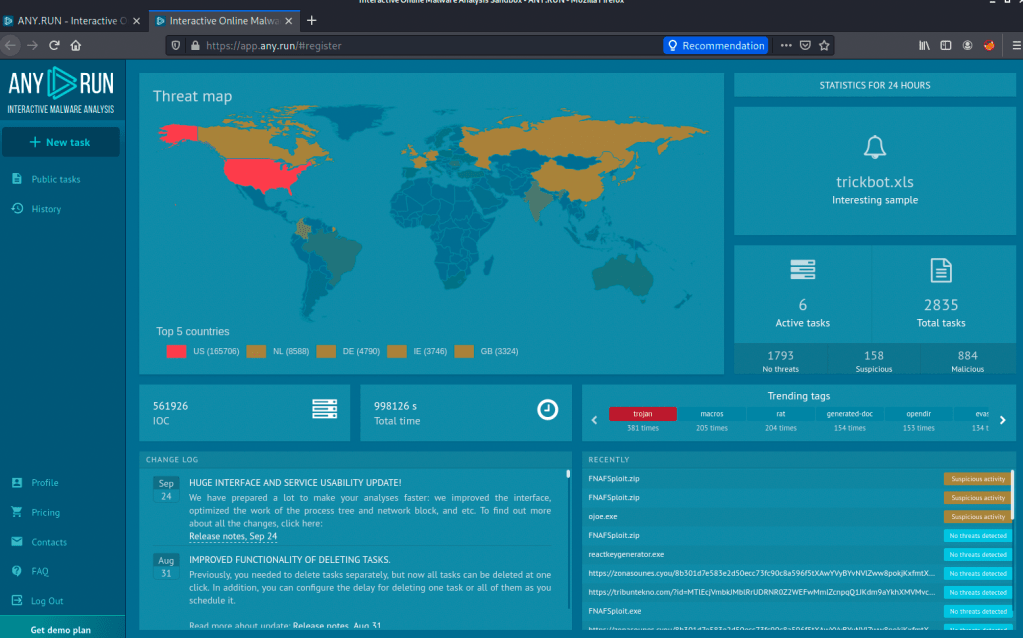
    Creating a free account is straightforward. Once you’re in, you have access to an environment to upload any suspicious files or to check a suspicious URL. NOTE: Do not upload anything that could potentially be confidential as this online tool will share the data.

    Upon login, we get to this home page above. On the top left corner, there’s a “new task” button. Let’s use it!

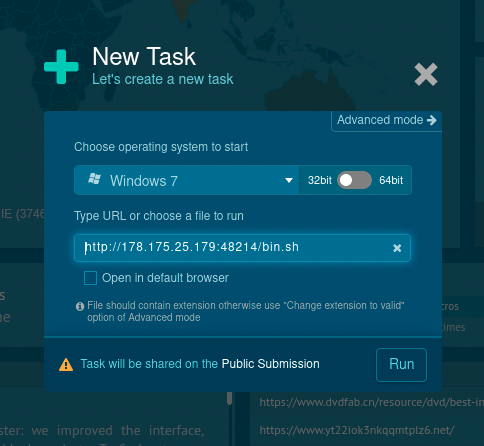
    We have a few things here when trying to detonate this. First we selected a 32bit Windows 7 VM (64bit requires the paid version). Second, we grabbed a malicious url from URLhaus. Let’s see what it does πŸ™‚

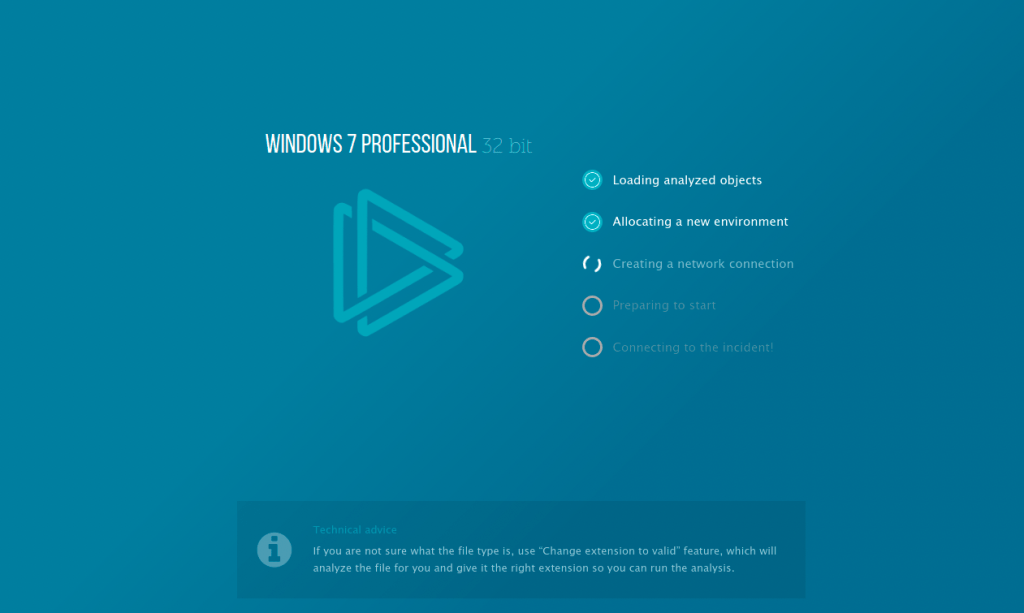
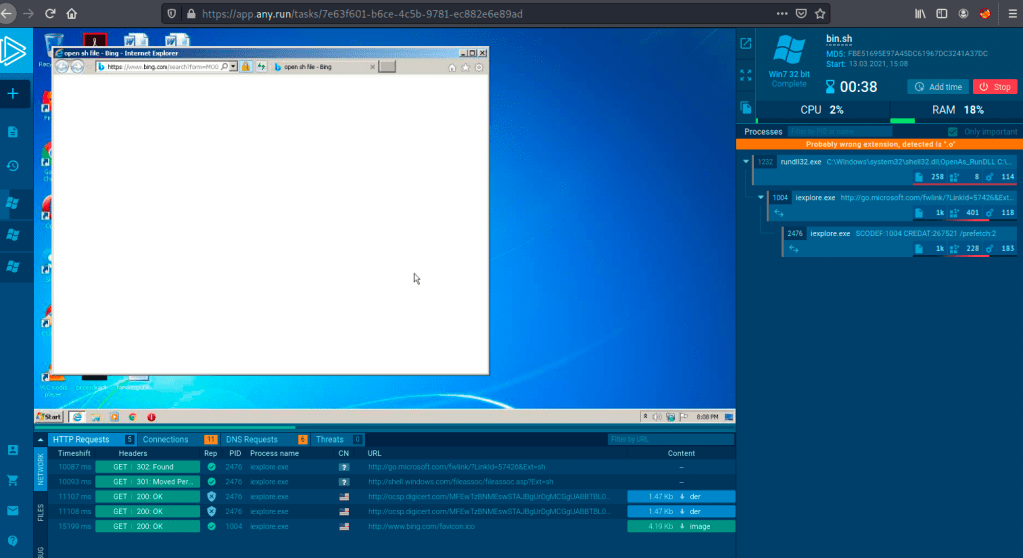
    Here’s the tool setting up the virtualized environment and detonating the potential payload.

    …and the end result! Pretty awesome! You can see the suspicious link was “clicked” and the payload executed in an online sandbox environment hosted by any.run. There’s several http connections here and something definitely seems “phishy”! This could have been a user on your network!

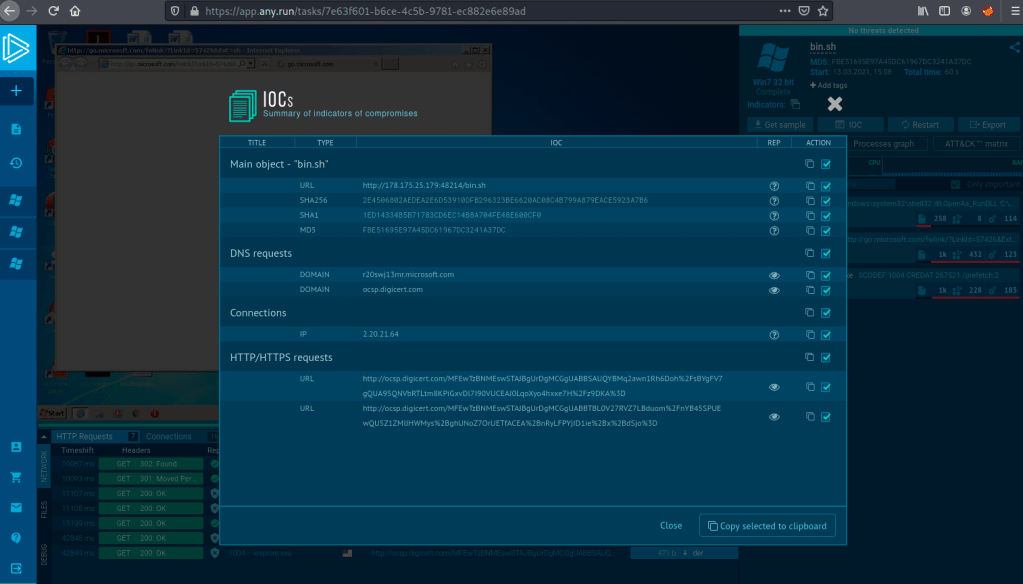
    IOCs can be generated and sent to your SIEM as well!

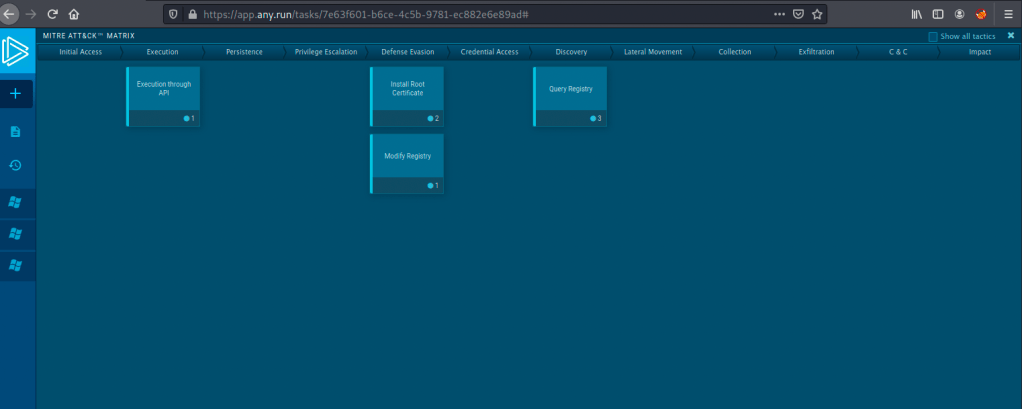
    Any the icing on the cake definitely has to be the MITRE ATT&CK MATRIX mapping! Nice!

    The second online resource I like is Hybrid Analysis (https://www.hybrid-analysis.com/).

    Hybrid Analysis is a great way to check a suspicious file or url with a similar concept to any.run.

    Let’s upload a file and see how it does! NOTE: Do not upload anything that could potentially be confidential as this online tool will share the data.

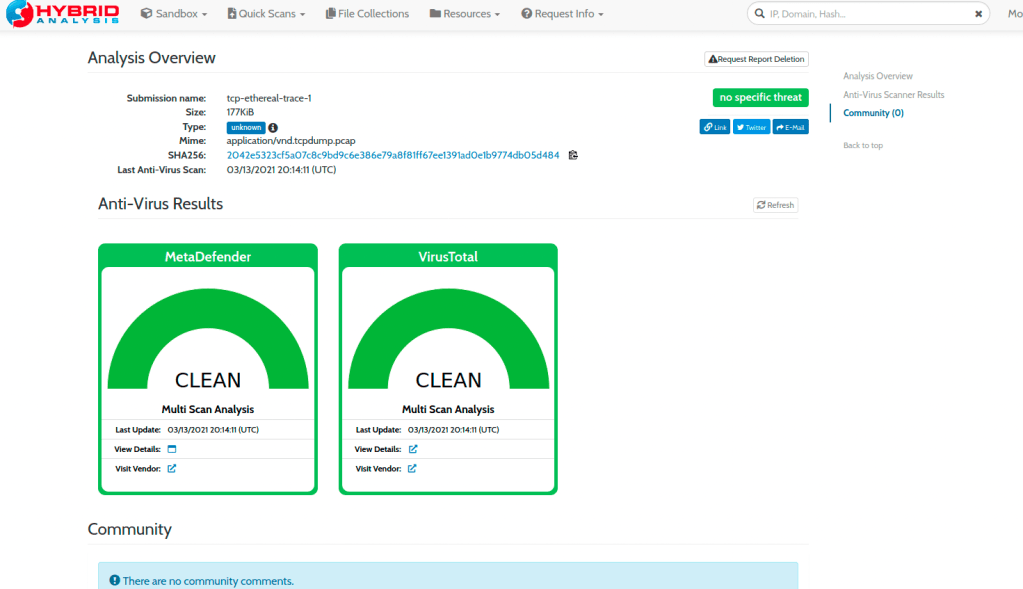
    In the image above, I uploaded a random pcap file I had lying around. The analysis checked it against virustotal and metadefender and it looks like it’s “clean”. Let’s try a malicious file now πŸ™‚

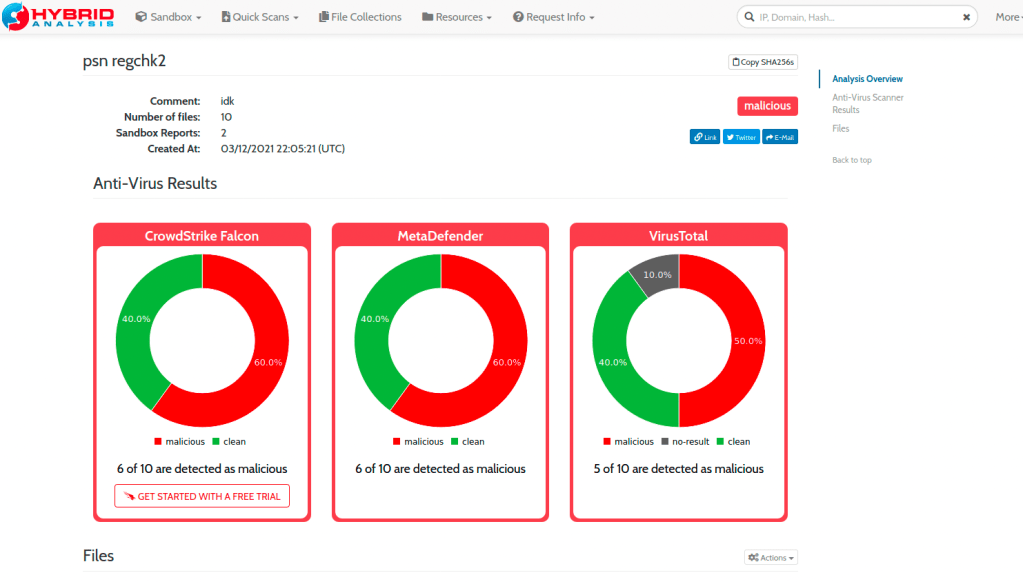
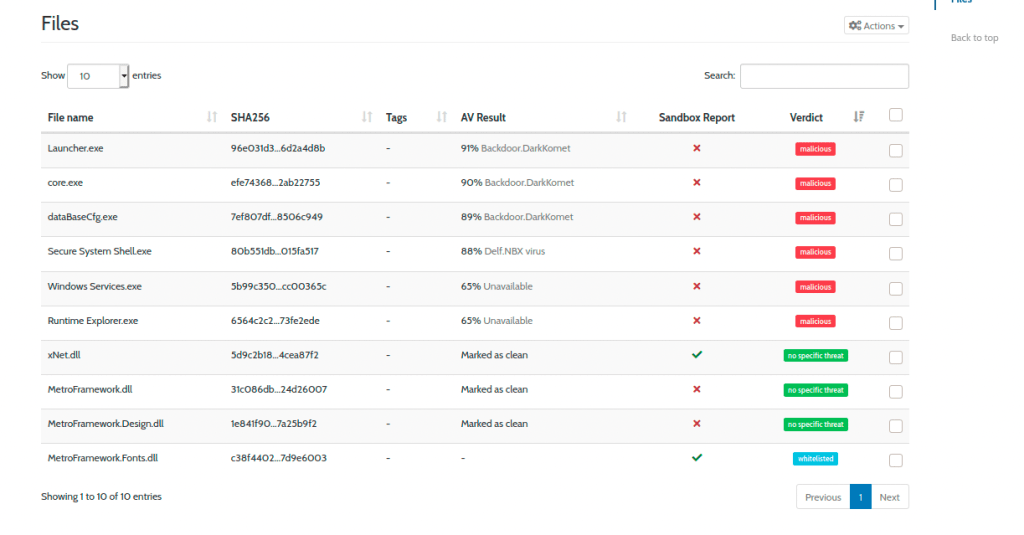
    Here’s what the end result of a malicious file would look like. Yikes!

    Hopefully these resources can help you out for some quick IR spot checks. I’ll leave some additional resources below as well. Thanks for reading!

  • OSINT: Hunting Usernames with Sherlock

    I love finding out about tools and messing around with them. Today let’s talk about Sherlock.

    Sherlock is a powerful OSINT tool for searching usernames on social media (https://github.com/sherlock-project/sherlock). It’s super quick to install and even easier to use. Let ‘s check it out.

    First we start with installing it:

    # clone the repo
    $ git clone https://github.com/sherlock-project/sherlock.git
    
    # change the working directory to sherlock
    $ cd sherlock
    
    # install the requirements
    $ python3 -m pip install -r requirements.txt

    Now that we have the out of the way. We can start hunting for accounts!

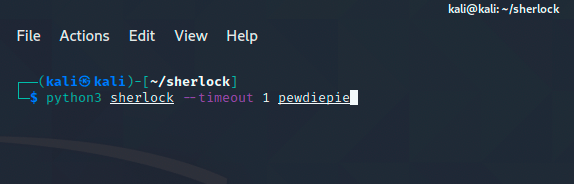
    Let’s hunt for a popular YouTuber’s accounts:

    In the above image, we’re running the sherlock command with the timeout flag set at 1 second for a quick scan.

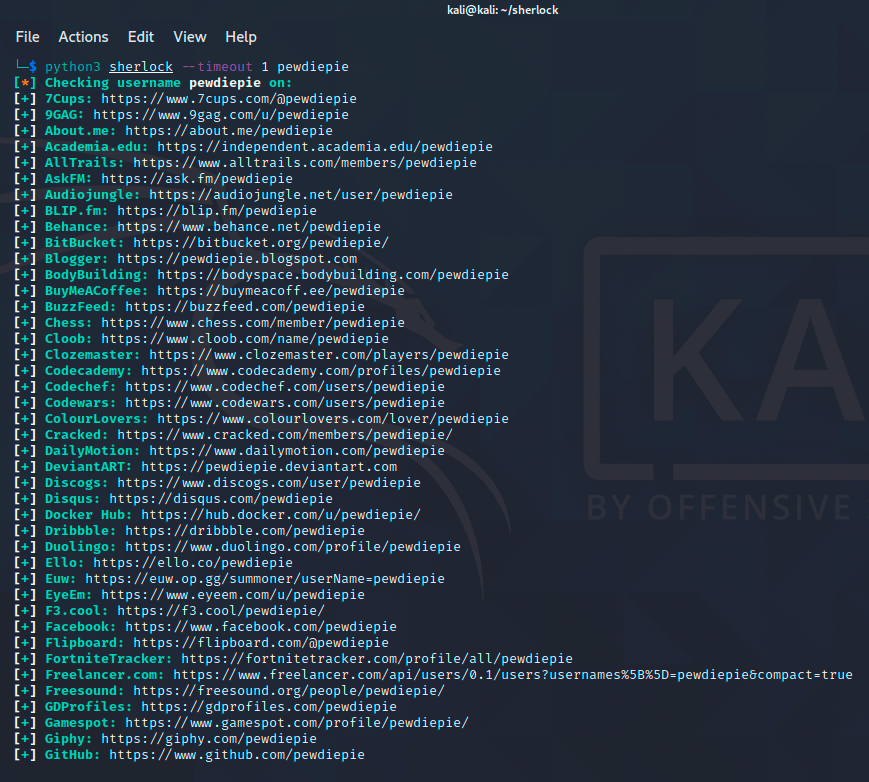
    Let’s see what accounts are named PewDiePie.

    Whoa! There’s quite a few accounts out there! Let’s hunt for another account.

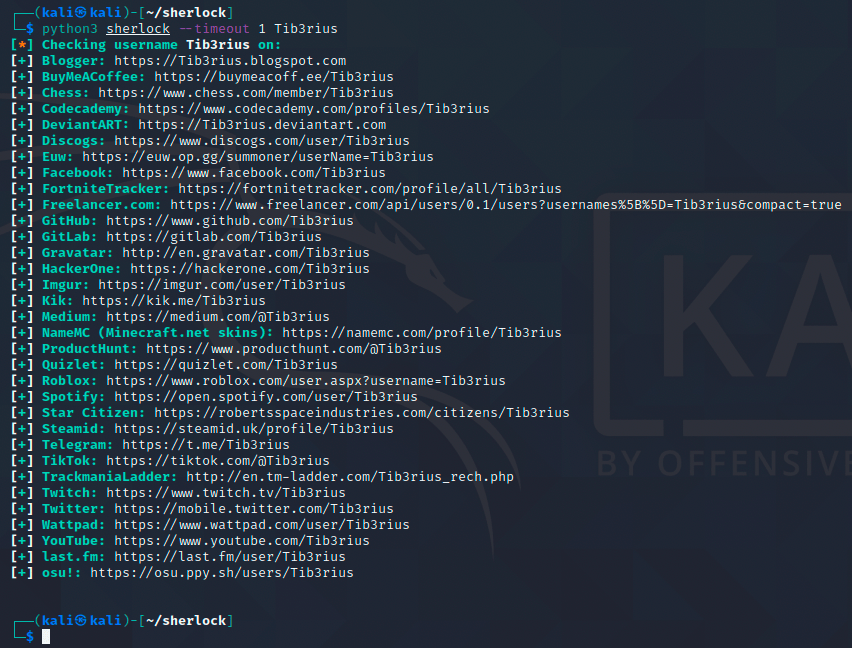
    How about checking out an awesome security professional? Let’s see what we can dig up.

    Nice! Here we’ve found several accounts belonging to Tib3rius!

    OSINT is always a bit creepy but can also be a powerful defense tool for you or your org. I recommend checking out other OSINT tools like recon-ng, creepy or even something like searchcode (to get a feel of an org’s development footprint). I’ll most likely use this tool on myself to keep my digital footprint in check (as much as possible at least).

  • How to Properly Exit Vim

    I just use nano. πŸ™‚

    Image result for thinking meme

    (kidding! sort of.)